How General Contractors Eliminate Tool Loss & Equipment Shrinkage Across Active Job Sites
By Asset Pegasus Team•October 2, 2026
Quick Answer
General contractors can reduce tool loss and equipment shrinkage by assigning every valuable tool a unique asset ID, using QR codes for mobile check-in/check-out, recording the responsible worker or site supervisor, and documenting every transfer between jobsites.
Construction tool tracking software centralizes these records so contractors can identify missing equipment, prevent duplicate purchases, and establish accountability across active projects without necessarily investing in specialized scanning hardware.
A structured workflow records when equipment is issued, who is responsible for it, where it is assigned, when it moves between projects, and when it is returned. This creates a clearer audit trail for tools and equipment across multiple jobsites.
Why Does Tool Loss Become Expensive Across Active Construction Sites?
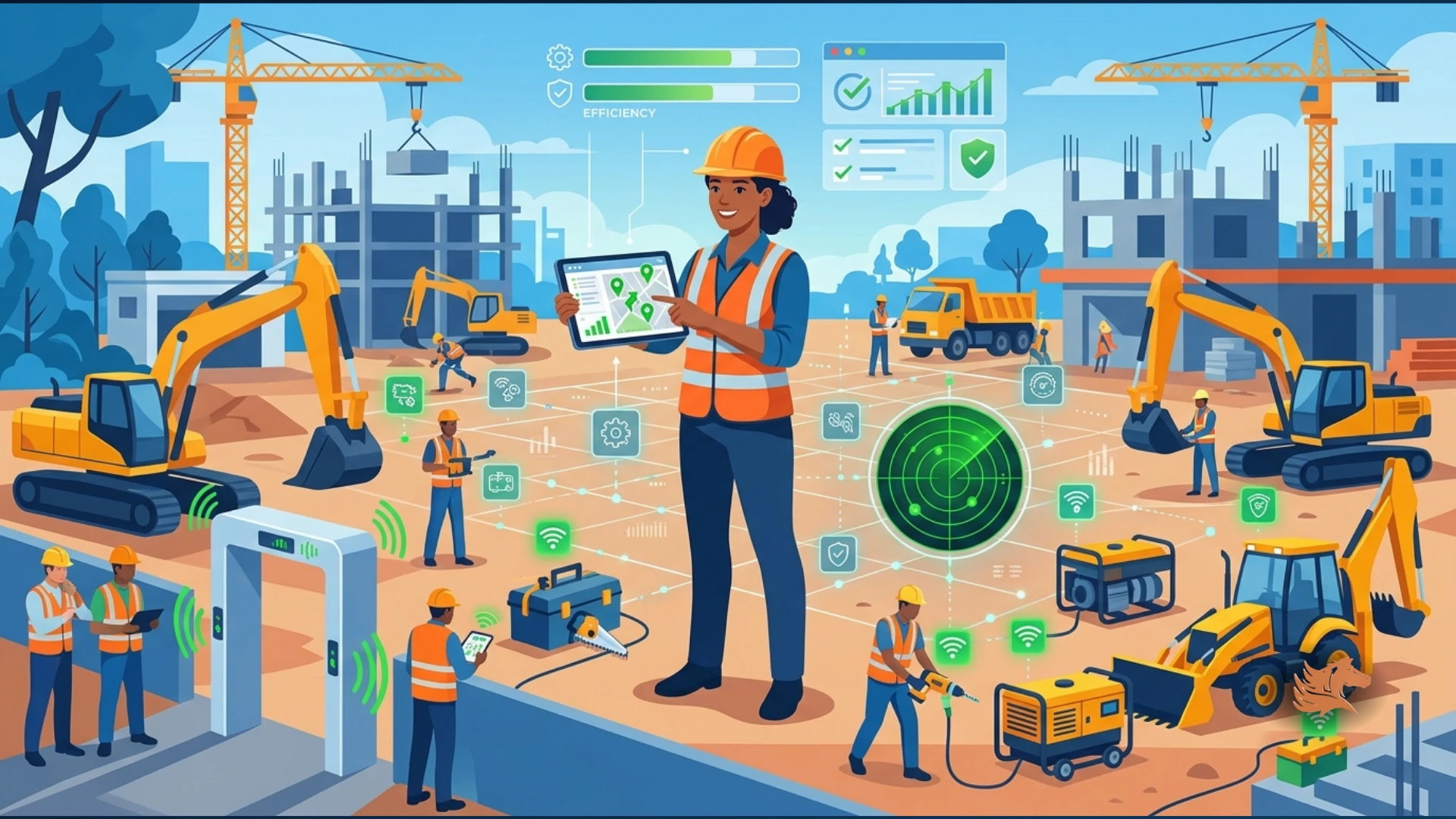
A cordless drill disappears from one project. A laser level remains inside a subcontractor's vehicle. A generator moves to another site without an updated record. Individually, these incidents may appear minor.
Across several active jobsites, however, these incidents can become a recurring operating expense. Equipment moves frequently between projects, workers, subcontractors, supervisors, and storage locations, making it difficult to maintain accurate records without a structured tracking process.
The problem becomes more significant when contractors cannot reliably determine where an asset is, who currently has custody of it, or whether it was transferred to another project.
Key Takeaway
Tool loss across multiple active jobsites is not simply an inventory problem; repeated equipment losses can become a recurring operating expense when custody and location records are unclear.
What Is a Ghost Asset and How Does It Affect Contractors?
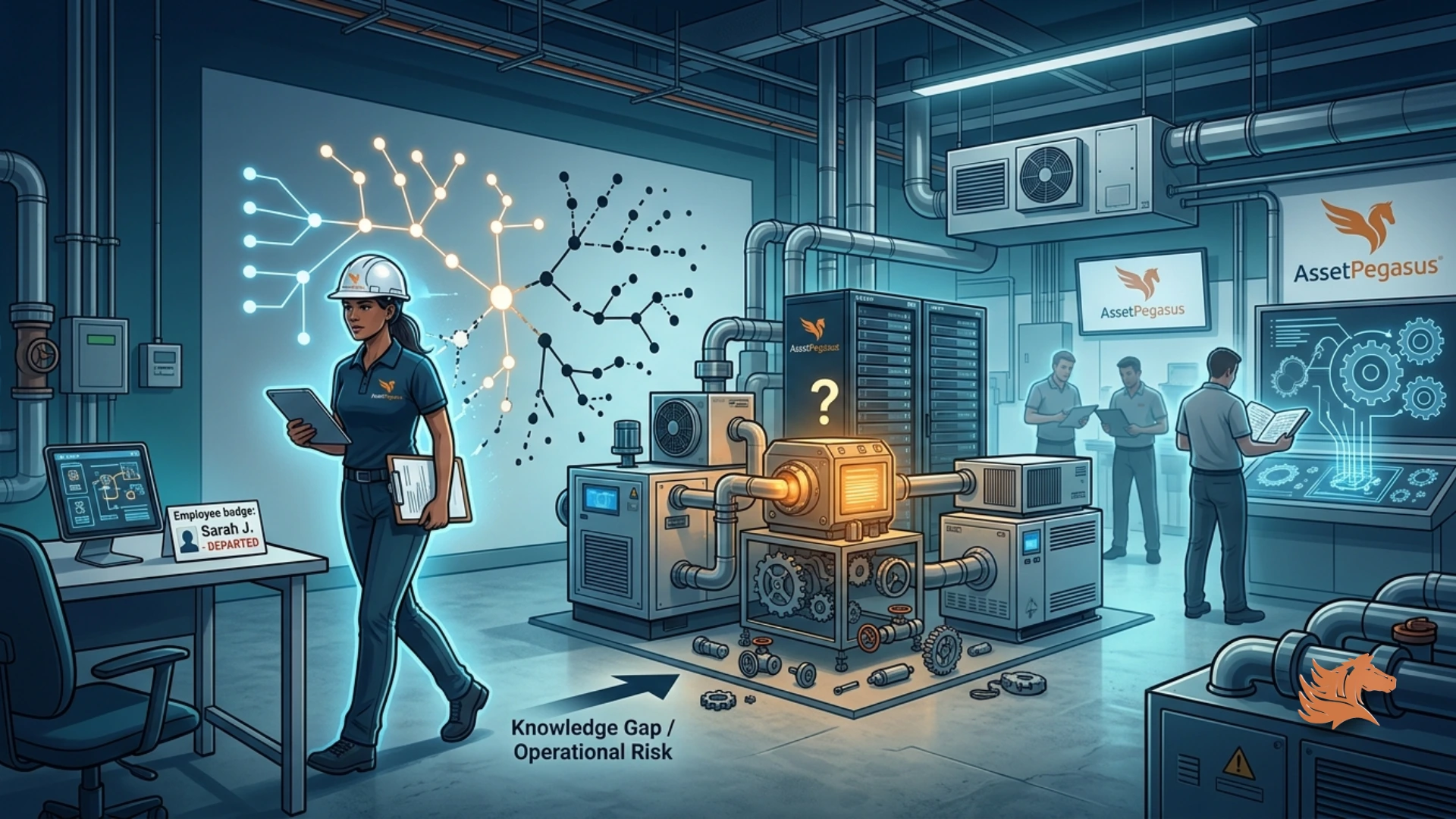
A ghost asset is equipment that appears in company records but cannot be reliably located, verified, or matched to its current assignment.
Construction companies can accumulate ghost assets when tools move between projects without their assignments being updated, when equipment remains with a worker or subcontractor, or when returned equipment is not properly recorded.
When the digital register no longer matches the physical equipment available to the company, managers may not know whether an item is genuinely missing, sitting at another jobsite, assigned to someone else, or simply recorded incorrectly.
Key Takeaway
Keeping asset records synchronized with physical equipment helps contractors identify missing tools and avoid treating unverified assets as available inventory.
How Much Can Construction Tool Loss Cost a Contractor?
The financial impact of equipment loss depends on the contractor's inventory value, actual loss rate, revenue, and operating margin. The PDF provides an illustrative scenario rather than a universal construction-industry benchmark.
In the example, a company has $500,000 in annual tool and equipment inventory value and assumes a 2% annual loss rate. That produces an illustrative annual replacement cost of $10,000.
The example then assumes $1,000,000 in annual revenue and a 7% operating margin, resulting in $70,000 of operating profit before the additional losses. After the illustrative $10,000 loss, the remaining operating profit is $60,000.
Financial Measure
Illustrative Amount
Annual tool and equipment inventory value
$500,000
Assumed annual loss rate
2%
Annual replacement cost of missing assets
$10,000
Annual company revenue
$1,000,000
Annual operating profit at a 7% margin
$70,000
Profit remaining after $10,000 in additional losses
$60,000
Key Takeaway
The financial effect of equipment loss should be calculated using a contractor's actual inventory value and verified loss data rather than assuming a universal industry loss rate.
What Does an Effective Construction Tool Check-In and Check-Out Workflow Look Like?
An effective construction tool tracking system should make recording an equipment handover easier than leaving it undocumented.
The workflow can use QR codes and compatible smartphones to identify equipment and record who is responsible for it, where it is being used, and when it should be returned.
1. Assign Every Tool a Unique Asset ID
Create an asset record for each trackable item, including drills, impact drivers, laser levels, concrete vibrators, testing instruments, generators, and other equipment. Record the asset ID, description, serial number, purchase information, condition, and current location. Attach a unique QR code label.
2. Scan the QR Code Before Issuing the Tool
When a worker collects a tool, they scan its QR code using a compatible smartphone camera or scanning interface. Record the tool ID, worker or responsible supervisor, project and jobsite, checkout date and time, expected return date, and condition.
3. Assign Digital Custody
Digital custody records who is responsible for an asset at a particular time. When responsibility changes, record the transfer rather than assuming the original assignment remains accurate.
4. Record Transfers Between Jobsites
When equipment moves from Project A to Project B, record the transfer, destination, and receiving person. Preserve the previous assignment in the asset history.
5. Scan Again When Returning Equipment
When the tool returns to the equipment store or designated supervisor, scan the QR code and record the return. Update the asset status, such as available, assigned, damaged, or another appropriate state.
6. Review Overdue, Missing, and Unassigned Tools
Regularly review outstanding checkouts and reconcile the digital register against physical equipment. Useful measures include overdue returns, unassigned assets, unexplained location changes, missing-item incidents, and replacement purchases.
Key Takeaway
A consistent issue, custody, transfer, return, and reconciliation workflow creates accountability for construction tools as they move between workers and active jobsites.
Can Contractors Track Construction Equipment With Smartphones?
QR-based workflows can allow workers to identify tagged equipment using compatible smartphones rather than purchasing dedicated barcode scanners for every crew.
A worker can scan the QR code attached to a tool and use the available workflow to record an equipment checkout, return, transfer, or other interaction with the asset.
This approach can make field equipment tracking more accessible because the identification step can be performed using devices workers may already carry.
Key Takeaway
Smartphone-compatible QR workflows can reduce the need for dedicated scanning hardware while providing a practical way to identify and update construction assets in the field.
How Does AssetPegasus Support Construction Equipment Accountability?
AssetPegasus provides a centralized approach to managing physical and digital assets, including construction equipment information, assignments, maintenance records, warranties, insurance, and asset history.
Centralized equipment records help contractors maintain important asset information in one place instead of distributing purchase details, service records, insurance documents, and equipment assignments across separate files.
Equipment history and maintenance records can support service planning, investigation of recurring problems, and repair-or-replacement decisions.
A structured asset register also helps teams maintain clearer records of which project an item belongs to, where it is assigned, and who is responsible for it.
Centralized Equipment Records
Maintain important asset information in one place instead of distributing purchase details, service records, insurance documents, and equipment assignments across separate files.
Asset History and Maintenance Visibility
Use equipment history and maintenance records to support service planning, investigate recurring problems, and make informed repair-or-replacement decisions.
Multi-Site Asset Visibility
Maintain clearer records of which project an item belongs to, where it is assigned, and who is responsible for it across multiple active jobsites.
Equipment Accountability
Record worker or supervisor responsibility, equipment transfers, checkout activity, returns, and other asset interactions to create a clearer custody history.
Key Takeaway
Centralized asset records connect construction equipment with assignments, custody, maintenance, warranties, insurance, and historical information.
Why Are Asset History and Multi-Site Visibility Important for Contractors?
Construction equipment frequently moves between projects, storage locations, workers, and supervisors. Without a historical record, it becomes difficult to determine where an asset has been or who was responsible for it at a particular time.
Preserving previous assignments allows contractors to investigate unexplained location changes and determine how equipment moved between projects.
A structured asset register also provides a clearer view of equipment distributed across multiple jobsites, helping teams identify current assignments and responsibility.
Tracking Requirement
What the Record Should Capture
Asset identity
Asset ID, description, and serial number
Location
Current project or jobsite
Custody
Responsible worker or supervisor
Checkout
Checkout date/time and expected return
Transfer
Destination project and receiving person
Return
Return event and updated condition/status
Maintenance
Service history and maintenance information
Key Takeaway
Maintaining asset history and current assignment information gives contractors a clearer record of equipment movement across active projects.
What Construction Equipment Should Contractors Track First?
Contractors do not necessarily need to begin by tracking every item in their inventory. A practical starting point is equipment that is frequently shared, portable, expensive, or operationally critical.
Power Tools
Frequently shared drills, impact drivers, and similar equipment can be prioritized because they move between workers and jobsites.
Laser Levels
Laser levels are portable and operationally important, making them useful candidates for individual asset identification and custody tracking.
Testing Instruments
Testing instruments can be tracked individually so contractors can maintain visibility into their current assignment and condition.
Generators
Generators can move between active projects and should be associated with a current project and responsible person.
Specialty Equipment
Expensive or operationally critical specialty equipment can be prioritized because losing track of these assets can create replacement costs or project disruption.
Key Takeaway
Start with portable, frequently shared, expensive, or operationally critical equipment and expand the tracking program as the workflow becomes established.
How Can General Contractors Make Every Tool Accountable?
Construction tool loss is not just an inventory problem. It is a visibility and accountability problem that can lead to repeat purchases, unnecessary rentals, project delays, and avoidable administrative work.
A structured tool tracking process gives every important asset a unique identity and records its assignment, custody, movement, and return.
QR-based check-in/check-out makes the process practical for field teams, while centralized asset records preserve equipment history and provide visibility across multiple jobsites.
Regular reconciliation between the digital register and physical equipment helps contractors identify overdue, missing, unassigned, or unexpectedly relocated tools before the problem becomes a larger replacement expense.
Key Takeaway
Making every tool identifiable, assignable, transferable, and traceable gives contractors a practical foundation for reducing equipment shrinkage across active jobsites.
Conclusion
Construction tool loss becomes expensive when contractors cannot reliably determine where equipment is, who has custody of it, or when it moved between projects. Assigning every trackable tool a unique asset ID, using QR-based check-in/check-out, recording digital custody, documenting transfers, and regularly reconciling physical equipment against the digital register creates a clearer accountability workflow. Centralized asset records also bring equipment assignments, maintenance information, warranties, insurance, and asset history together, helping contractors maintain better visibility across active jobsites.
Make Every Construction Tool Accountable
Explore AssetPegasus construction equipment tracking to centralize tool assignments, QR-based asset workflows, equipment history, maintenance records, and multi-site visibility.